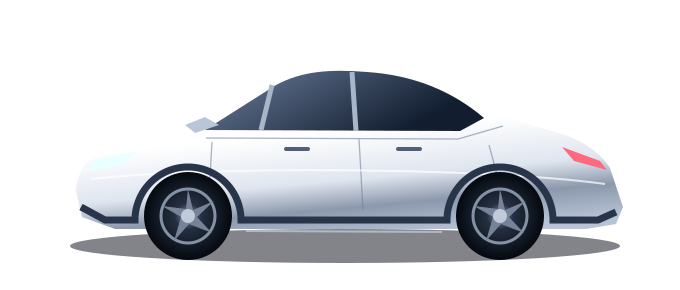
A LITTLE CLOSER TO YOUR CAR
Your drive.
Peace of mind.
Your car, charging and security in one place.
Everything you need, wherever you are.
Server setup is not complete yet.
Your car, charging and security in one place.
Everything you need, wherever you are.
Your car, within reach.
Your car is asleep. Wake it when you need to use a control.
Charging data unavailable.
Sentry status unavailable
Get notified when Sentry reports an event, even when the app is closed.
Notifications are not enabled on this device yet.
Delivery depends on your car and phone connection and device notification permissions.Checking server connection…
No response is running.
Stop cancels future repeats; a command already sent may finish. Turning Sentry off also stops repeats.Choose an independent response to activity, alarm or the Quiet telemetry state. Responses run on the server, even when the app is closed.
Repeated horn commands produce separate honks, not a continuous horn tone. Quiet is a telemetry state, not confirmation that a recording was saved.
Compare these timestamps with recordings on your USB drive. A state transition does not prove that a clip was saved; Fleet API does not expose USB recordings.
Authorize account access and add a digital key to your car.
Sentry and lock status are sent to your server. Configuration is valid for 90 days.
Select a car and check its telemetry status.
One-time setup: copy the connection command and run it using Azure Run Command.
Your rules run on the server, even when the app is closed. Times use Asia/Jerusalem and follow daylight saving time.
Sleeping cars are skipped, except for a separate Wake car event. Actions run only when Park is verified. Missed schedules are skipped after 10 minutes.More options we can add: seat heating and cooling, steering wheel heating, cabin overheat protection, Keep / Dog / Camp modes, native charging and preconditioning schedules, window ventilation, navigation destinations, media controls, valet mode and speed limits. Availability depends on your model, firmware and permissions.
Tesla command reference ↗